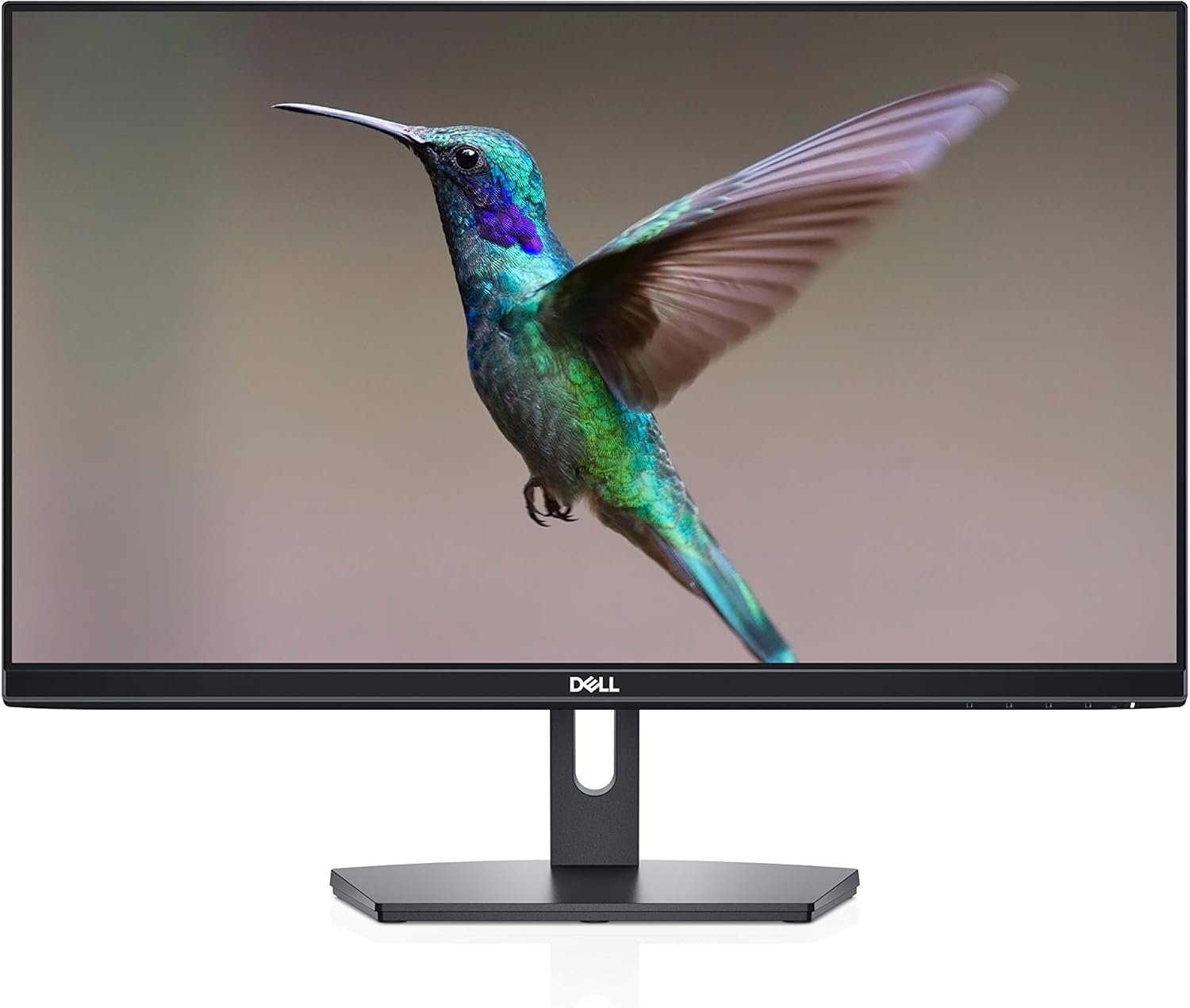
Choosing the Right Monitor for Your Needs
Selecting the ideal monitor involves understanding your specific needs, whether for gaming, professional work, or everyday use.
Understanding Monitor Types
When it comes to choosing the right monitor, understanding the different types available is crucial. LCD (Liquid Crystal Display) monitors are the most common, known for their sharp images and energy efficiency. LED (Light Emitting Diode) monitors are a subset of LCDs, offering better color accuracy and energy efficiency. OLED (Organic Light Emitting Diode) monitors provide superior color contrast and faster response times but come at a higher price point. Lastly, curved monitors are gaining popularity for their immersive viewing experience. Knowing the differences between these types can help you make an informed decision that suits your needs and budget.
Resolution and Screen Size
The resolution and screen size of a monitor are key factors that influence your viewing experience. Resolution refers to the number of pixels on the screen, with common options including Full HD (1920x1080), Quad HD (2560x1440), and 4K (3840x2160). Higher resolutions provide more detail but require more powerful hardware. Screen size, measured diagonally, ranges from compact 21-inch monitors to expansive 34-inch ultra-wide screens. Consider how much desk space you have and the type of work you'll be doing. For example, graphic designers might benefit from larger, higher-resolution screens, while casual users might find a smaller, Full HD monitor sufficient.
Refresh Rate and Response Time
For those who enjoy gaming or require smooth video playback, refresh rate and response time are critical specifications. The refresh rate, measured in Hertz (Hz), indicates how many times per second the screen updates. Common refresh rates include 60Hz, 75Hz, and 144Hz. A higher refresh rate results in smoother motion, which is essential for fast-paced games. Response time measures how quickly a pixel can change from one color to another, typically in milliseconds (ms). Lower response times reduce motion blur and ghosting, enhancing the overall visual experience. Gamers often look for monitors with response times under 5ms and refresh rates of 120Hz or higher.
Connectivity Options
Modern monitors come with a variety of connectivity options to suit different devices and needs. Common ports include HDMI, DisplayPort, USB-C, and VGA. HDMI is widely used for both computers and gaming consoles, offering high-definition video and audio in a single cable. DisplayPort is favored for high-resolution displays and multiple monitor setups due to its high bandwidth. USB-C is becoming popular for its versatility, allowing video, audio, and data transfer through a single cable, often used with laptops and mobile devices. VGA, though outdated, is still found on some older systems. Ensure the monitor you choose has the appropriate ports for your devices.
Ergonomics and Adjustability
Ergonomics and adjustability are often overlooked but are vital for long-term comfort and productivity. Height adjustment, tilt, swivel, and pivot features allow you to customize the monitor's position to reduce strain on your neck and eyes. Some monitors also come with VESA mount compatibility, enabling you to attach them to an adjustable arm or wall mount. If you spend long hours in front of the screen, look for monitors with flicker-free technology and blue light filters to reduce eye strain. Investing in an ergonomic monitor setup can significantly enhance your comfort and efficiency.
Budget Considerations
Finally, your budget will play a significant role in determining the right monitor for your needs. Entry-level monitors with basic features can be very affordable, making them suitable for general use and office work. Mid-range monitors offer a balance of performance and features, catering to gamers, content creators, and professionals. High-end monitors, while more expensive, provide top-tier specifications like 4K resolution, high refresh rates, and advanced color accuracy. Consider what features are most important to you and how much you're willing to invest. Remember, a higher initial cost can be justified by the enhanced performance and longevity of a quality monitor.