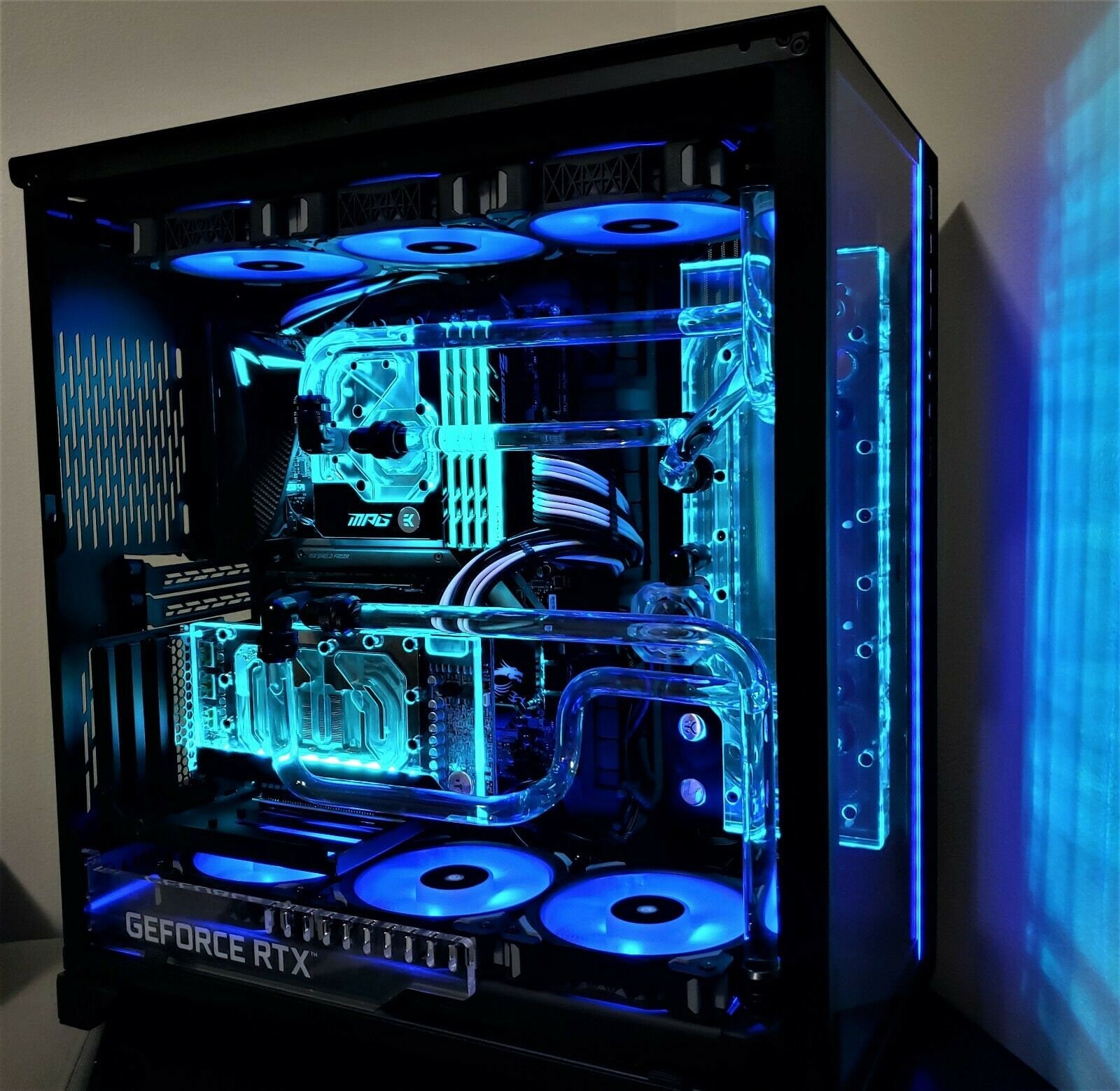
How to Build Your Own Custom Gaming PC
Learn the step-by-step process to build your own custom gaming PC, from choosing components to assembling and optimizing your rig.
Choosing the Right Components
Building your own custom gaming PC starts with selecting the right components. Begin with the central processing unit (CPU), which serves as the brain of your computer. Choose a CPU that matches your gaming needs, whether it's for casual gaming or high-end performance. Next, consider the graphics processing unit (GPU), which is crucial for rendering high-quality graphics. Other important components include the motherboard, RAM (Random Access Memory), storage options like SSDs or HDDs, and a power supply unit (PSU). Make sure all components are compatible with each other. Research and read reviews to make informed decisions, and always keep your budget in mind. Don't forget about peripherals such as a monitor, keyboard, and mouse, which are essential for an optimal gaming experience.
Assembling Your PC
Once you have all the components, the next step is assembling your PC. Start by preparing your workspace, ensuring it is clean and static-free. Begin with the motherboard; install the CPU and the RAM onto it. Then, attach the cooling solution to the CPU. Place the motherboard inside the PC case and secure it with screws. Next, install the power supply unit (PSU) and connect it to the motherboard. Install the GPU into the designated PCIe slot and ensure it is firmly in place. Connect the storage drives and other peripherals. Double-check all connections to ensure everything is properly seated. Follow the manual instructions for each component to avoid any mistakes. Patience and precision are key to a successful assembly.
Installing the Operating System
After assembling your PC, the next crucial step is installing the operating system (OS). Insert a bootable USB drive with your chosen OS into a USB port and power on your PC. Enter the BIOS setup by pressing the designated key during startup, usually displayed on the screen. Configure the BIOS settings to boot from the USB drive. Follow the on-screen instructions to install the OS onto your primary storage drive. Once the installation is complete, install necessary drivers for your hardware components, such as the GPU, motherboard, and network adapters. Keeping your drivers up to date ensures optimal performance and compatibility. Customize your OS settings according to your preferences, and install essential software and applications for gaming and everyday use.
Optimizing Performance
To get the best performance from your custom gaming PC, you need to optimize its settings. Start by updating your graphics card drivers to the latest version. Adjust the in-game settings to balance between performance and visual quality. Consider overclocking your CPU and GPU for additional performance, but do so cautiously to avoid overheating. Utilize software tools to monitor your system's temperature and performance metrics. Regularly clean your PC's interior to prevent dust buildup, which can affect cooling efficiency. Additionally, ensure that your PC is well-ventilated by using quality cooling fans or even a liquid cooling system. Keeping your system optimized not only enhances gaming performance but also extends the lifespan of your components.
Maintaining Your Gaming PC
Maintaining your custom gaming PC is essential for long-term performance and reliability. Regularly update your operating system and software to protect against security vulnerabilities. Clean your PC's interior every few months to remove dust and debris. Use compressed air to clean hard-to-reach areas, and check that all fans are functioning correctly. Monitor your system's performance and address any issues promptly. Back up important data regularly to avoid data loss. Consider upgrading components periodically, such as adding more RAM or a faster storage drive, to keep up with the latest gaming requirements. By following these maintenance tips, you can ensure your custom gaming PC remains in top condition for years to come.