The Ultimate Guide to Choosing the Perfect Laptop
Discover the key factors to consider when choosing the perfect laptop, from performance and portability to budget and features.
Understanding Your Needs
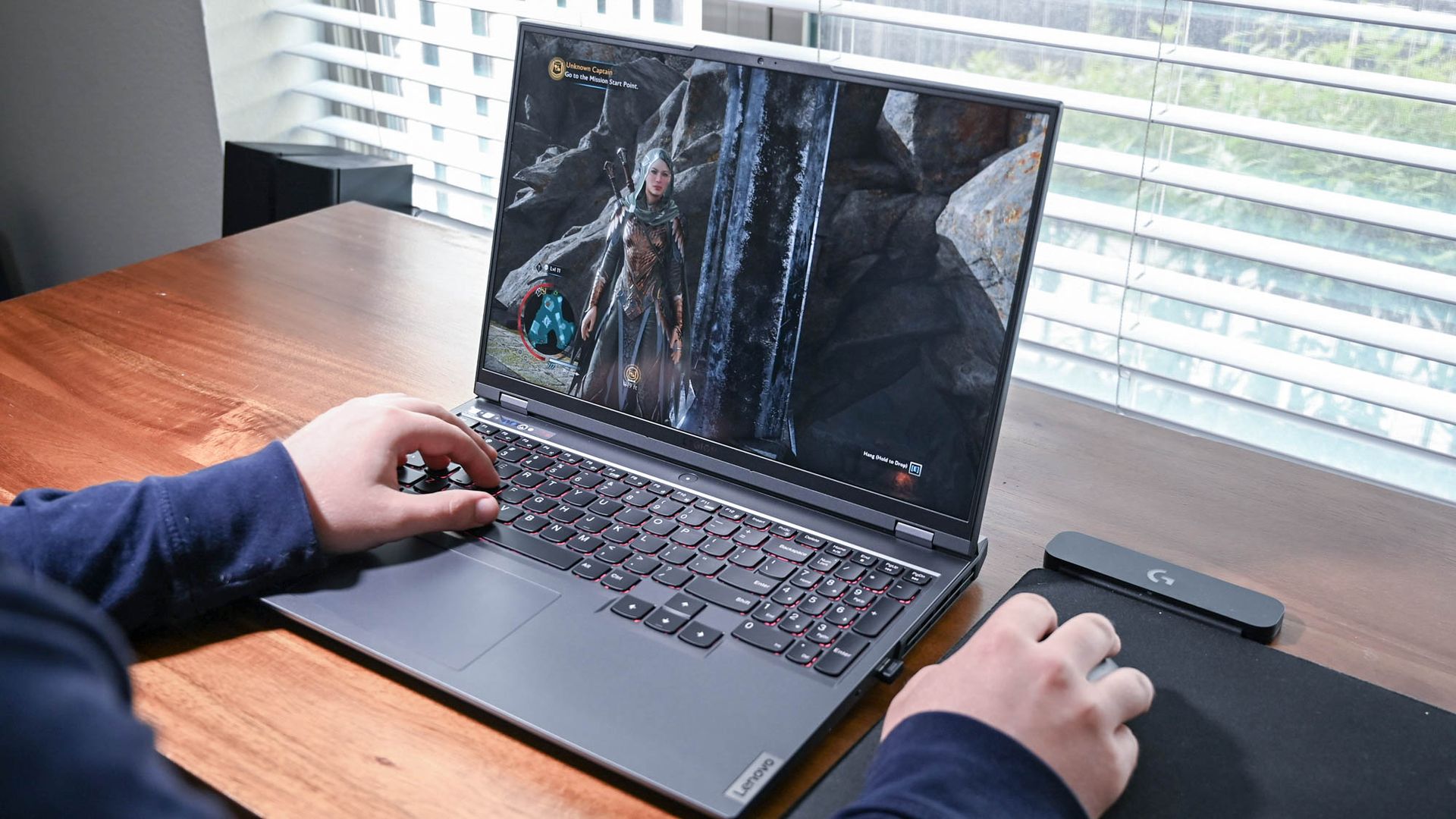
Choosing the perfect laptop begins with understanding your specific needs. Are you a student, a professional, or a gamer? Each of these roles demands different specifications. Students might prioritize portability and battery life, while professionals might need high performance and reliable security features. Gamers, on the other hand, often look for powerful graphics cards and high refresh rates. Consider what you'll primarily use the laptop for, as this will guide you in selecting the right features and specifications to meet your requirements.
Operating System: Windows, macOS, or Linux?
The choice of an operating system (OS) is crucial. Windows is known for its versatility and compatibility with a wide range of software, making it a popular choice for many users. macOS, exclusive to Apple laptops, offers a seamless and intuitive user experience, especially for those already in the Apple ecosystem. Linux, though less common, is favored by tech enthusiasts and developers for its customizability and open-source nature. Each OS has its pros and cons, so choose one that aligns with your preferences and needs.
Performance: CPU, RAM, and Storage
Performance is a key factor in choosing a laptop. The CPU (Central Processing Unit) is the brain of your laptop, with Intel and AMD being the leading brands. For multitasking and smooth performance, consider at least an Intel Core i5 or an AMD Ryzen 5 processor. RAM (Random Access Memory) is essential for handling multiple applications simultaneously; 8GB is the minimum, but 16GB is ideal for more demanding tasks. Storage options include HDDs and SSDs. SSDs are faster and more reliable, making them a better choice for most users.
Display and Graphics
The display is another critical aspect. Look for a laptop with a high-resolution screen, such as Full HD (1920x1080) or higher, to ensure clear and sharp visuals. Screen size is also important; a 13-inch display is great for portability, while a 15-inch or larger screen offers a better viewing experience for work and entertainment. For those into gaming or graphic design, a laptop with a dedicated graphics card like NVIDIA GeForce or AMD Radeon will provide the necessary performance for graphics-intensive tasks.
Battery Life and Portability
Battery life and portability are crucial for those who are always on the move. A laptop with at least 8 hours of battery life is ideal for all-day use without needing to be tethered to a power outlet. Weight and size also play a role in portability. Ultrabooks and thin-and-light laptops are designed to be lightweight and easy to carry, making them perfect for students and professionals who travel frequently. However, be mindful that ultra-portable laptops might compromise on performance or battery life, so balance your priorities accordingly.
Connectivity and Additional Features
Finally, consider the connectivity options and additional features. Ensure the laptop has enough USB ports, including USB-C, for connecting peripherals. An HDMI port can be useful for connecting to external monitors. Wi-Fi 6 and Bluetooth 5.0 offer faster and more reliable wireless connections. Additional features such as a backlit keyboard, fingerprint scanner, and touchscreen can enhance the user experience. Think about what features are essential for your daily tasks and choose a laptop that offers the right combination of these features.